Choose the Type
SMS
WhatsApp
Select the app you want to open when the QR code is scanned.
QR Code Subscriber
Print it in your store, on your flyers or your packaging: it opens WhatsApp or SMS with the message ready to send.
 No card to get started


One for the counter, one for your flyers, one for your packaging, and you know where each subscription came from.
It opens WhatsApp, if your business has it enabled, or SMS, with one of your business's numbers or short codes.
The message says they want to subscribe and Hellotext subscribes them on receipt; a scan alone subscribes no one.
Pick a route that starts with the subscription and it welcomes them with a coupon; without one, nothing goes out.
Choose WhatsApp or SMS, your number and the message, and a welcome if you like. Then download it as SVG.
“Thanks to Hellotext and its QR codes, we simplified data capture and WhatsApp campaigns.”

On WhatsApp, with your number connected to Hellotext. On SMS, with one of your business's numbers or short codes.
FAQ
It's the Playbook that creates QR codes to add subscribers. Scanned, a code opens WhatsApp or SMS with your number and a message ready; once the person sends it, Hellotext subscribes them.
Nothing happens. Scanning only prepares the message. Hellotext subscribes the person when it receives it, by the reference that identifies your code.
Yes. Create one per place, such as the counter, a flyer or your packaging, each with its own name, number and message, and you'll know where each subscription came from.
If you like. Choose a route or a Playbook that starts with the subscription, with a coupon if its message includes one. Without one, no message goes out.
No. The code can open SMS, with one of your business's numbers or short codes. WhatsApp is available if your business has it enabled.
SVG, a vector format that stays sharp printed in your store, on flyers or packaging, and on screen.
It's available from the Starter plan.
Help Center
How to create it, choose its number and message, welcome subscribers and test it before you print it.
Create your QR code and start adding subscribers. No card needed to start.

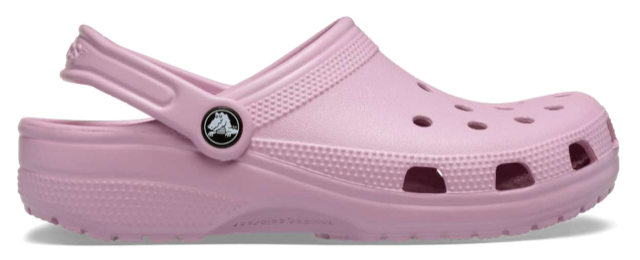
Vale, your mauve Classic Clogs are back in your size. Made for you!
 You’re receiving this because you signed up for our emails.
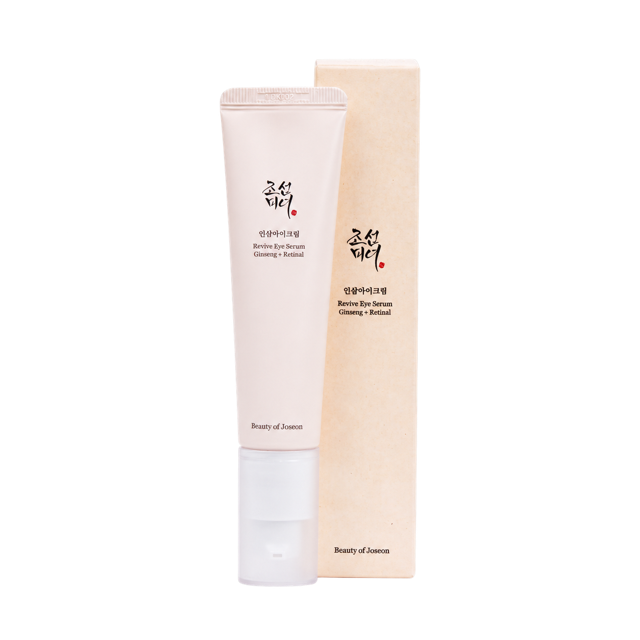
Cami, your Revive Eye Serum is running low. Keep your routine going.