


Smart Recommender
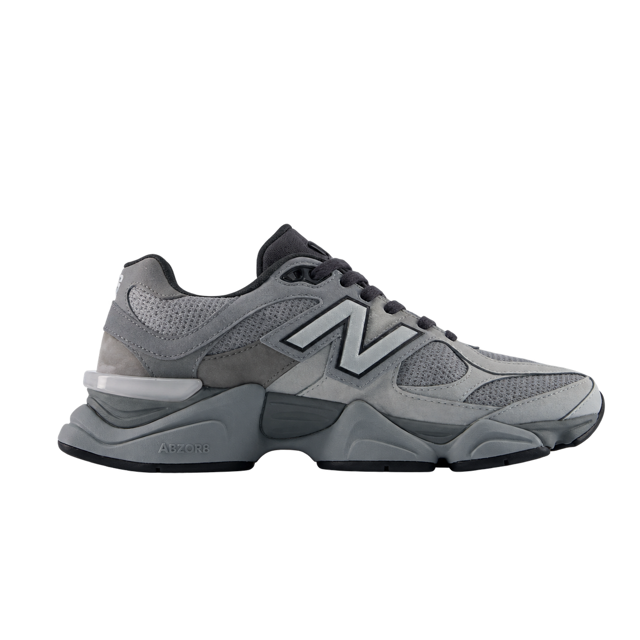
Looked for sneakers on the site.

Bruma


 Bought!
WhatsApp Widget
A button on your site opens WhatsApp with the message written. With your number on Hellotext, AI and your team reply.
 No card to get started


The WhatsApp icon on your site, in the color you choose or with your own image. One tap opens your chat.
A teaser by the button greets and invites a message; tapping it opens your WhatsApp too.
You choose the message they start with. It shows up written in WhatsApp, ready to send.
With your number on Hellotext, the chat reaches your inbox: AI replies with your Playbooks and hands off to your team.
With your number connected to Hellotext, sales and service Playbooks reply to the shoppers who write from your site.
Bought!
Illustrative conversations from Bruma, a fictional store. Sample products, prices and orders. Actions do not send messages or place purchases.
Choose your number, the message they start with, the teaser and its look. Then turn it on.
On VTEX and Fenicio, it installs in one click once your account is connected. On any other site, with Hellotext.js.





FAQ
It's the Playbook that puts a WhatsApp button on your site. One tap opens your WhatsApp chat with your number and, if you choose, a message already written.
One of your business's WhatsApp numbers on Hellotext, or any other you type in. With a number connected to Hellotext, conversations reach your inbox, where your AI Playbooks and your team take them.
The message they start with, the teaser with your greeting and its buttons, the typeface, the icon's color or your own image for the button, and the teaser's colors.
On VTEX and Fenicio, in one click once your account is connected. On any other site, with Hellotext.js and the code the Playbook gives you.
Yes. If your site also shows the Webchat Widget, the WhatsApp button sits above its launcher.
Yes. The Playbook's message works across your site, and with Hellotext.js you can change it on each page, as well as the number and the button's position.
It's available from the Starter plan.
Help Center
How Hellotext handles the messages that reach you on WhatsApp, the 24-hour window and when to use templates.
Connect your store and turn on the WhatsApp Widget. No card needed to start.

Vale, your mauve Classic Clogs are back in your size. Made for you!
 You’re receiving this because you signed up for our emails.
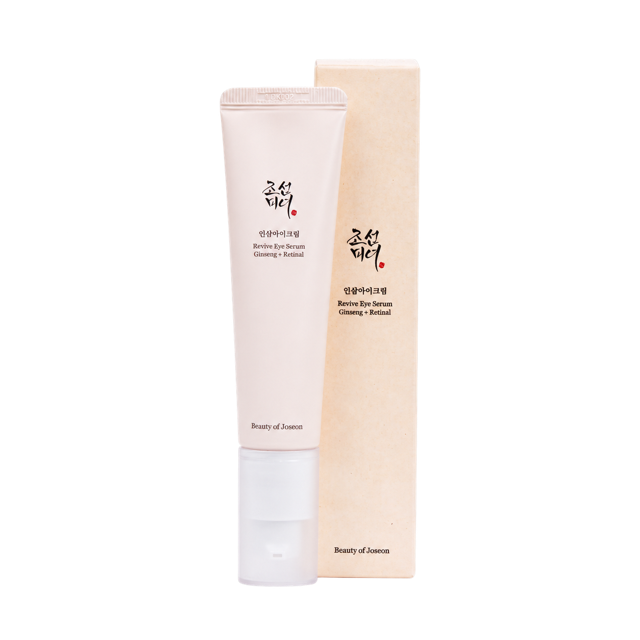
Cami, your Revive Eye Serum is running low. Keep your routine going.