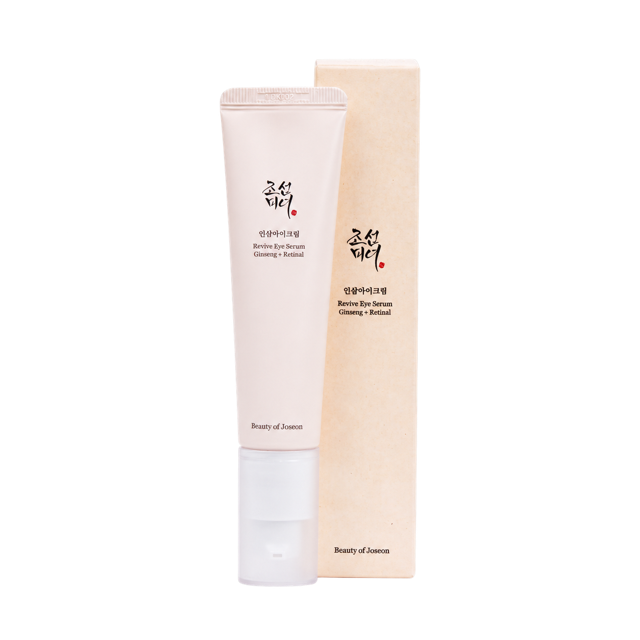
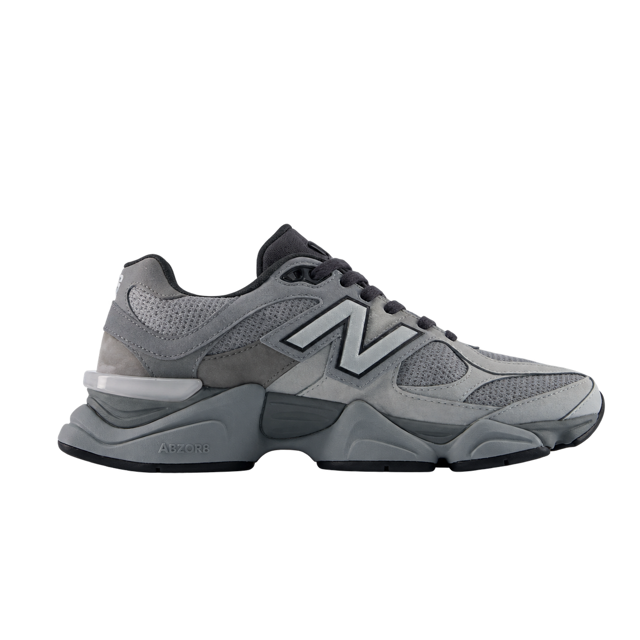
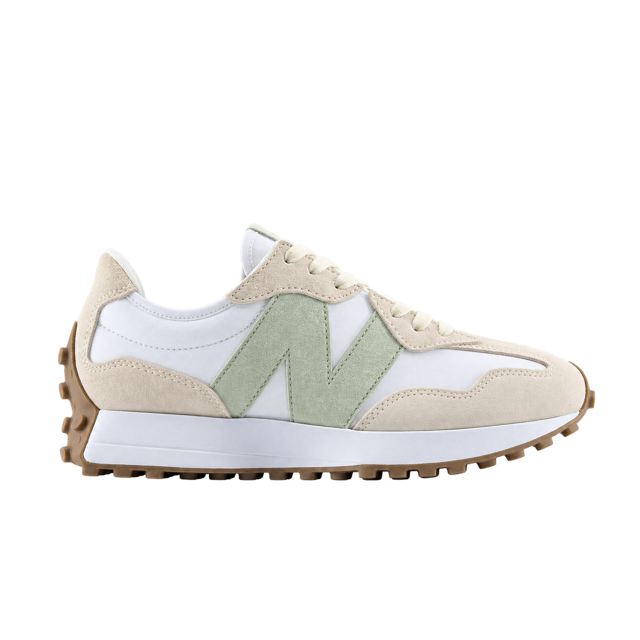
10% off your first orderSubscribe and get our news and offers on WhatsApp.
🇺🇸 +1Your WhatsApp••• •• 482Get my 10% OFF
By subscribing, you agree to receive marketing messages from Bruma. You can unsubscribe at any time.
Almost there! Confirm it on WhatsAppWe sent a message to +1 ••• •• 482 to confirm your subscription.Continue shoppingDidn't get it?Resend in 0:59Change number
What your popup does for your store
Step 110% off your first orderYour WhatsAppNextStep 2When's your birthday?Your nameYour birthdayGet my 10% OFF
One step at a time
Ask for the phone first and their name or birthday next; each step is checked before the next.
A layout for every screen
The image at the side on a computer and on top on a phone, or none; it opens by itself or from a bubble.
BBrumaYour request to opt in to WhatsApp messages from Bruma was submitted through its website. Confirm your preference using the button below.Ignore this message if you did not submit this request.10:24Confirm opt-in
They confirm before subscribing
With a route assigned, each phone or email is confirmed with a link, by WhatsApp, SMS or email.
Welcome to Bruma! 🎉 Use this coupon on your first order.BRUMA1010% off your first order
A welcome with a coupon
Once they confirm, the route starts and welcomes them with the coupon you choose.
Installs in your store
On VTEX and Fenicio, it goes live in one click once your account is connected.On any other site, with Hellotext.js.
It's the Playbook that shows a popup with your brand on your site to capture your visitors' phone, email and other details, in one or more steps.
Who gets subscribed?
With a route assigned, each phone or email is confirmed with a link, and once confirmed the person is subscribed and the route starts. Without a route, the popup creates or updates the contact without subscribing them.
What can I ask for?
Phone, email, name, birthday, address and other customer properties, each with its label and whether it's required. To publish it, ask for a required phone or email.
What can I customize?
The typeface, colors, font size, image, the texts of each step and of the final screen, and one layout for computers and another for phones.
When does it show?
When the page loads, or first as a bubble that opens it. You choose whether it shows on phones, computers or both.
How do I install it?
On VTEX and Fenicio, in one click once your account is connected. On any other site, with Hellotext.js and the code the Playbook gives you.
We remember your signup source for one hour, even if you reject optional cookies. With permission, third-party tools analyze site use and measure or personalize ads. Configure cookies · Privacy policy
We couldn't save your choice in this browser. Check your browser's storage settings and try again. If you were withdrawing permission, close this page to stop tools that were already loaded.












 You’re receiving this because you signed up for our emails.