Browse Recovery

When a customer views a product and leaves without buying it, the AI writes to them about it on their best channel.

No card to get started

Compatible with
Shopify VTEX WooCommerce
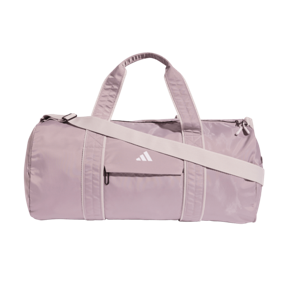
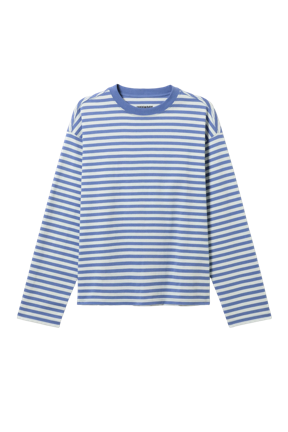
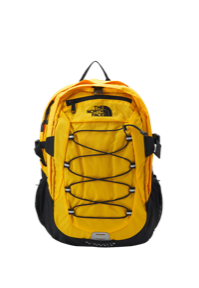
Illustration: five messages from the Bruma demo store on Instagram, email, WhatsApp, push and SMS, each about one product, without its price and with a button to its page.

What it does for your store

  • Only when they really left

    It waits 45 minutes without them coming back, adding the product to the cart or buying. If they do, it doesn't write.

  • One product, no price

    It writes about the product they viewed most, with what makes it good and a button to its page. Never the price.

  • In the daytime, no pushing

    On WhatsApp, SMS, Instagram, push or email, in the daytime, and no more than one message a week per customer.

  • A coupon, if you assign one

    If you assign a coupon, the message offers it for the product. Without one, it mentions no discount.

How each customer comes back

From the product your customer views to the purchase, it all stays in your Inbox.

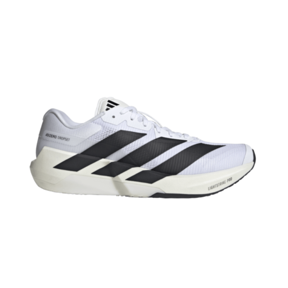
Illustration: in the Inbox, Valentina views the Bruma Run and leaves; 45 minutes pass without her coming back and, in the daytime, Browse Recovery writes to her on WhatsApp with the photo and a button to its page. Valentina buys them.
  1. Views a product

    Valentina views the Bruma Run in your store and leaves without adding them to the cart.

  2. It waits

    If within 45 minutes she comes back, adds something to the cart or buys, the Playbook doesn't write.

  3. The AI writes to her

    In the daytime, on the channel that reaches her best, about the product and with a button to its page. No price.

  4. And buys

    The sale lands in the Playbook's report, with the attributed revenue and the recovery rate.

Set up in minutes

Choose the channels, the coupon and the tone. Then turn it on.

Works with your eCommerce

The Playbook uses the catalog and the visits your store shares with Hellotext. Connect your eCommerce in minutes with our setup assistant.

Available from the Grow plan, with 25 eCommerce Playbooks. See plans

FAQ

Frequently asked questions

What is Browse Recovery?

It's the Playbook that writes to whoever viewed a product in your store and left without buying it, with an AI message about that product.

Who does it write to?

Identified customers who viewed a product in the last 24 hours and spent 45 minutes without coming back, adding it to the cart or buying. It doesn't write to anonymous visitors or to anyone who bought in the last 15 days.

Which product does it write about?

The one they viewed most in the last 24 hours, if it's still for sale and they haven't bought it since. On a tie, the most recent.

When does it send the message?

Later, in daytime windows of your store's time zone, never at night. If the customer buys first, it isn't sent.

How many messages does each customer get?

One a week from this Playbook, and up to three a week across all your proactive Playbooks.

Can I offer a discount?

Yes, with a Hellotext coupon, which the message offers for the product. Your store's promotions and AI discounts apply to a cart, and this Playbook writes about a product. The message never states the price.

How do I know how many sales it recovers?

Its report shows the attributed revenue, the recovery rate, the revenue per delivered message and the average time to recovery.

Which plan includes it?

It's available from the Grow plan, which includes 25 eCommerce Playbooks.

Learn more

  • Help Center

    Browse Recovery

    How to choose its channels, its discount and its tone, and how to review its messages before turning it on.

Bring back your next visit today.

Connect your store and turn on Browse Recovery. No card needed to start.